
Good inventory habits keep you in stock without tying up cash. This collection covers reorder points, stranded stock and managing many products.
Use the sections below to keep your stock in order.
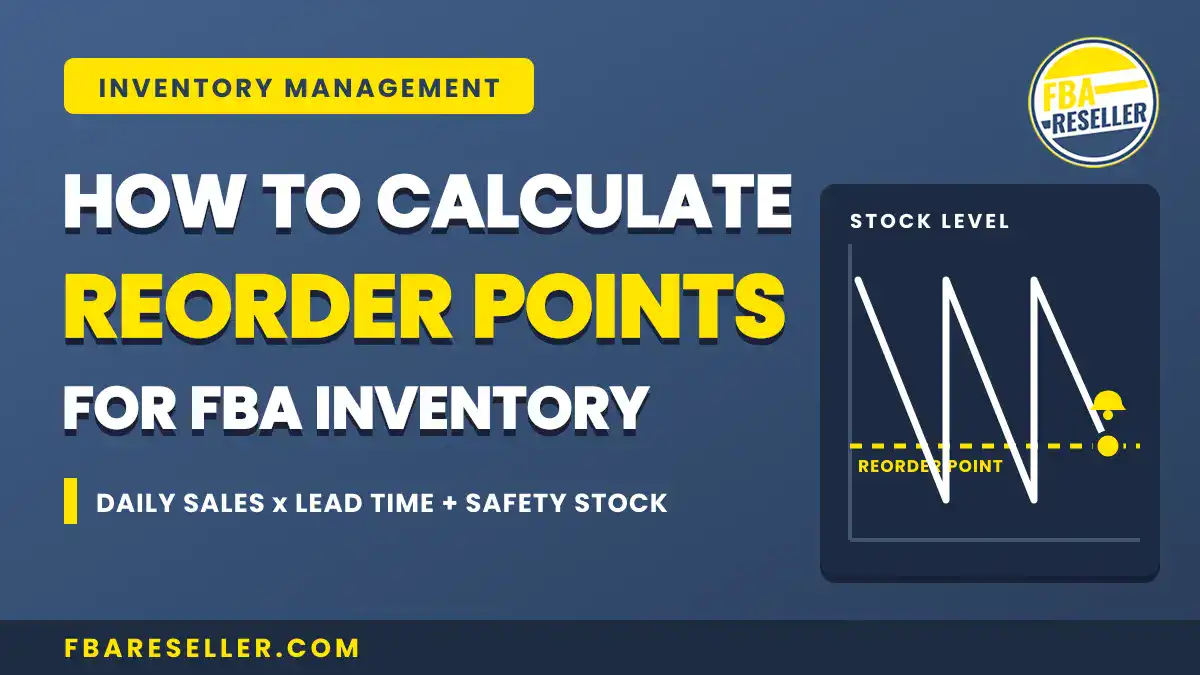
Planning Reorders
Decide when to restock. Start with How to Calculate Reorder Points for Amazon FBA Inventory.
Fixing Stranded Inventory
Handle stock that cannot be sold. Start with Amazon FBA Stranded Inventory.
Managing Many Products
Keep a growing catalog in order. Start with How to Manage Amazon FBA Inventory Across Multiple Products.
Find the Right Guide
Match your goal to a guide.
| If you want to | Start here |
|---|---|
| Set reorder points | How to Calculate Reorder Points for Amazon FBA Inventory |
| Fix stranded stock | Amazon FBA Stranded Inventory |
| Manage many products | How to Manage Amazon FBA Inventory Across Multiple Products |
| Pick inventory tools | Must-Have Inventory Management Tools for Amazon FBA Sellers |
| Cut storage costs | How to Reduce Amazon FBA Storage Fees |
| Avoid long term fees | FBA Long Term Storage Fees |
Control Your Inventory
Follow these steps:
- Track what you have in stock
- Work out how fast each item sells
- Set a reorder point
- Check for stranded stock each week
- Review slow sellers before fees apply
Inventory Topics Covered
- Reorder points
- Stranded inventory
- Managing many products
- Inventory tools
- Storage fees
Frequently Asked Questions
When should I reorder?
See How to Calculate Reorder Points for Amazon FBA Inventory.
What is stranded inventory?
How do I handle many products?
See How to Manage Amazon FBA Inventory Across Multiple Products.